Mastering Color Consistency in Volume Photo Printing
TK Broecker / 26 April 2026
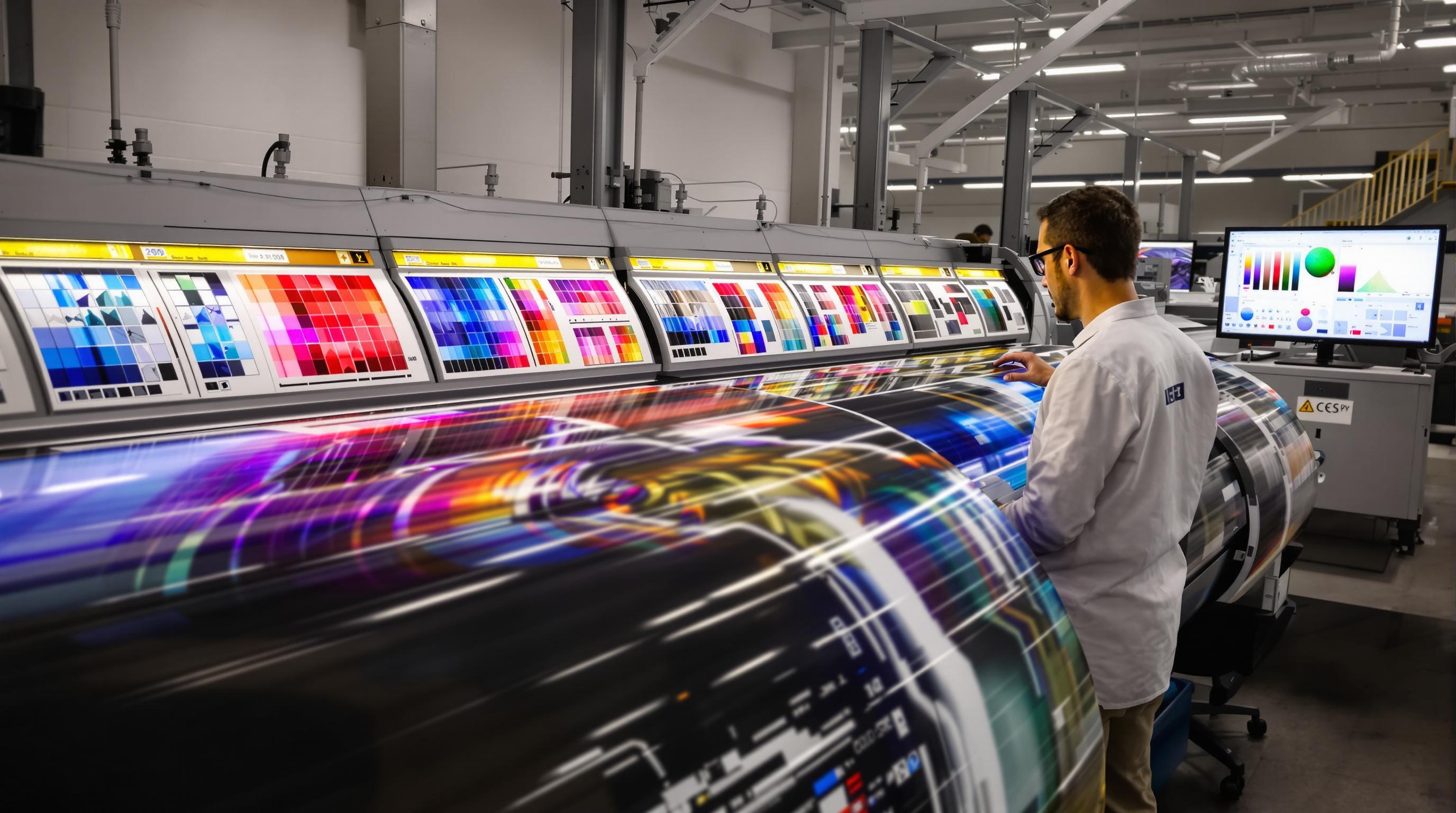
When printing photographs at volume — whether for professional studios, event photography, or commercial campaigns — color consistency is not just a preference, it is a technical requirement. A print that looks slightly warmer or cooler than its neighbors can undermine an entire product line or client delivery. This article explores the tools, workflows, and standards that ensure every print in a batch matches the next with precision.
Why Color Consistency Is Challenging at Volume
Color reproduction in print is a complex, multi-variable process. Unlike digital screens, which emit light directly, printed images rely on subtractive color mixing — typically using cyan, magenta, yellow, and black (CMYK) inks. Each variable in the printing chain introduces potential deviation:
- Ink density fluctuations — ink viscosity and temperature can shift during long print runs
- Media variability — different paper batches absorb ink differently, even from the same supplier
- Print head wear — inkjet heads degrade over time, altering droplet placement and size
- Environmental conditions — humidity and temperature affect ink drying and color appearance
These factors mean that without active management, color drift is almost inevitable across a high-volume run. A print produced in the morning may look noticeably different from one produced in the afternoon on the same machine.
The Role of ICC Profiles and Color Management Systems
The backbone of professional color management is the ICC profile — a standardized file format defined by the International Color Consortium that mathematically describes how a specific device (monitor, printer, scanner) interprets or reproduces color. When correctly implemented, ICC profiles allow a Color Management System (CMS) — such as Adobe Color Engine or LittleCMS — to translate color data accurately from one device's color space to another.
In a volume printing workflow, the process typically involves:
- Input profiling — ensuring source images are tagged with the correct color space (commonly sRGB or Adobe RGB)
- Printer profiling — building a custom ICC profile for each printer/paper/ink combination using a spectrophotometer and profiling software such as X-Rite i1Profiler or Datacolor tools
- Rendering intents — choosing the correct rendering intent (Perceptual, Relative Colorimetric, etc.) depending on the image content to manage out-of-gamut colors gracefully
Professional photo labs rebuild or verify printer profiles regularly — often at the start of each shift — to account for environmental and hardware changes. A profile built last week may no longer accurately represent the printer's current behavior.
Calibration Routines and Closed-Loop Color Control
Beyond profiling, hardware calibration is the daily discipline that keeps volume color on track. Printers used in high-output environments are typically calibrated using a process called closed-loop color control or in-line spectrophotometry. In this approach:
- A spectrophotometer — either built into the printer or used externally — measures printed color patches automatically
- The RIP (Raster Image Processor) software adjusts ink curves in real time to compensate for any detected drift
- Target values, often defined by industry standards such as ISO 12647-2 (for offset) or ISO 12647-7 (for digital proofing), act as the reference benchmark
Systems like GMG ColorServer, EFI Fiery, or Caldera RIP software provide sophisticated tools for batch linearization and ink limit control, ensuring that the 200th print of the day matches the first with Delta-E color differences of less than 2 — a threshold generally considered imperceptible to the human eye.
For photo labs specifically, G7 calibration methodology — developed by IDEAlliance — has become a widely adopted standard. G7 focuses on matching neutral gray balance and tonal response curves across devices, making it particularly effective for photographic content where skin tones and neutral backgrounds are critical.
Workflow Best Practices for Mass Photo Color Accuracy
Technology alone cannot guarantee consistent output — it must be paired with disciplined workflow practices. Leading professional photo labs and volume print operations follow a set of established protocols:
- Standardized file preparation — all incoming images are converted to a consistent working color space and checked for correct tagging before entering the print queue
- Batch grouping — prints sharing the same media type and color profile are grouped into dedicated batches to avoid mid-run profile switching
- Regular test print verification — a standardized reference image (often a certified test target like the IT8 target) is printed at defined intervals and measured to detect drift before it becomes visible
- Environmental monitoring — temperature and humidity in the print room are logged and kept within manufacturer-specified tolerances
- Operator training — even fully automated systems require trained staff who understand color science and can interpret spectrophotometric data
The combination of hardware calibration, software color management, and procedural discipline creates a closed-loop quality system where deviations are caught early and corrected systematically rather than discovered after thousands of prints have been produced.
Conclusion
Achieving color consistency across volume photo print runs demands a multi-layered approach — from building accurate ICC profiles and implementing closed-loop calibration, to following rigorous batch workflows and monitoring environmental conditions. Whether you manage a professional photo lab or a high-output commercial studio, investing in proper color management infrastructure is not optional. It is the foundation upon which client trust, brand integrity, and print quality are built — at any scale.