Mastering Resolution for Large Format Printing
T.K. Broecker / 8 March 2026
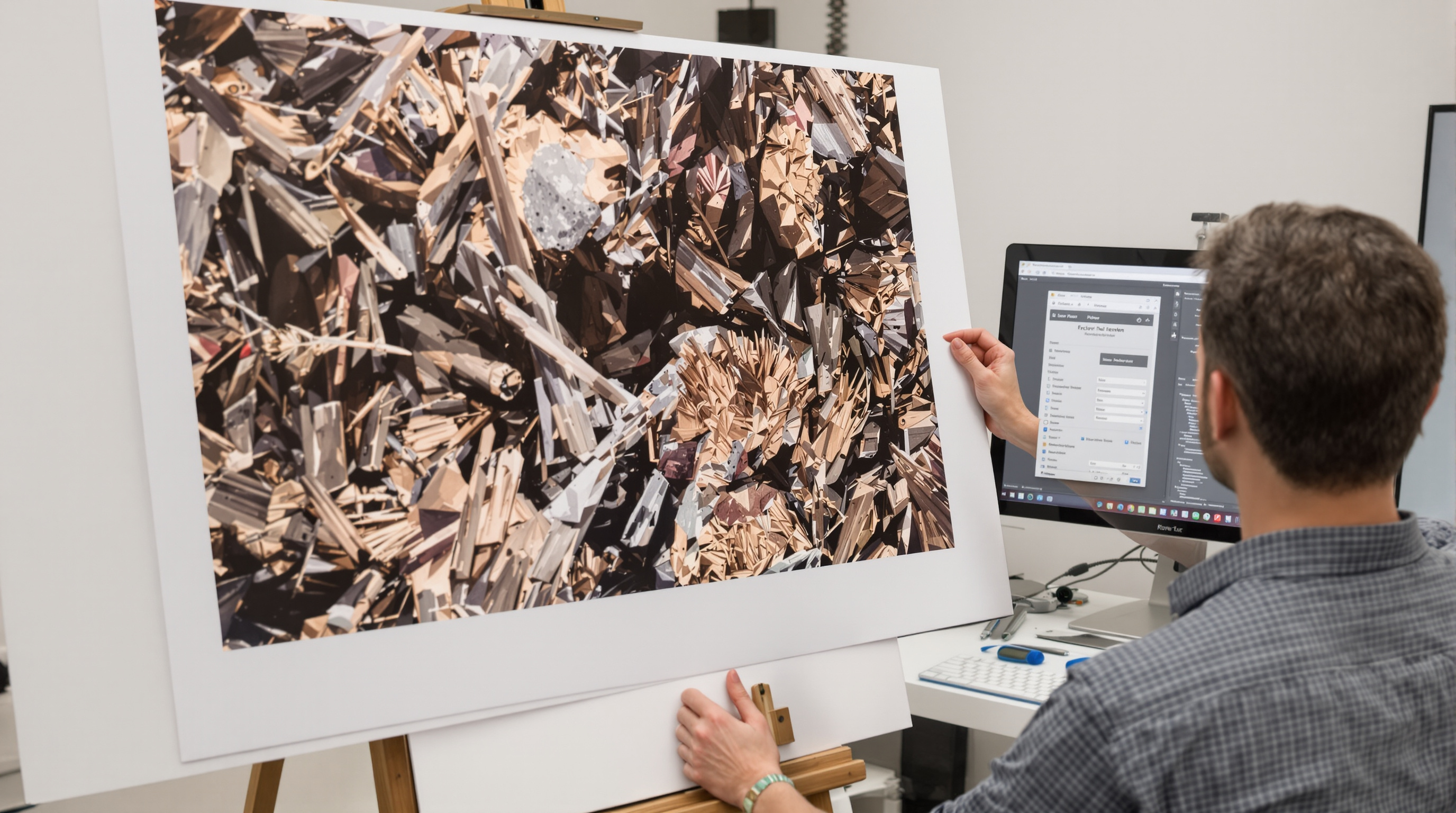
Large Format Printing: Resolution, Viewing Distance, Lightroom Export, & Sharpening
Creating stunning large format prints requires understanding the delicate balance between resolution, viewing distance, and print size. Whether you're preparing a gallery exhibition, decorating your home with wall art, or producing professional giclée prints, proper file preparation is crucial. This guide explores the technical aspects of resolution requirements, Lightroom export settings, and sharpening techniques that will elevate your large prints from good to exceptional.
Understanding Resolution Requirements for Large Prints
The most common question photographers face when preparing large prints is: "How many pixels do I need?" The answer depends on several factors, but primarily on the intended viewing distance and the physical dimensions of your print.
For gallery-quality large prints, the traditional recommendation is 300 pixels per inch (PPI). However, this guideline becomes more flexible as print size increases. For example:
- 8×10 inches: 300 PPI (2400×3000 pixels)
- 16×20 inches: 240-300 PPI (3840-4800×6000 pixels)
- 24×36 inches: 150-240 PPI (3600-5760×8640 pixels)
- 40×60 inches and larger: 100-150 PPI (4000-6000×6000-9000 pixels)
The concept of perceived resolution becomes important with large format prints. As viewing distance increases, the required resolution decreases because the human eye cannot resolve fine details beyond certain distances. A billboard might be printed at just 10-20 PPI because it's viewed from hundreds of feet away, while a fine art print examined up close requires much higher resolution.
Viewing Distance and Print Sharpness Relationship
The relationship between viewing distance and necessary resolution follows a predictable pattern based on human visual acuity. The general rule is that optimal viewing distance is approximately 1.5 to 2 times the diagonal measurement of the print.
This relationship can be expressed as:
- Typical viewing distance (in inches) = 2 × diagonal measurement of print
- Minimum resolution (PPI) = 3438 ÷ viewing distance (in inches)
For example, a 24×36 inch print has a diagonal of approximately 43 inches. The typical viewing distance would be around 86 inches (7.2 feet). At this distance, a resolution of about 40 PPI would theoretically be sufficient for perceived sharpness. However, most professional printers recommend at least 100-150 PPI for large prints to account for closer inspection.
This explains why massive prints can still look remarkably sharp despite having a lower PPI—the viewing distance compensates for the reduced resolution density.
File Preparation and Export Settings in Lightroom
Adobe Lightroom offers powerful tools for preparing images for large format printing. When exporting files for professional printing services, follow these best practices:
Optimal Lightroom Export Settings
- File Format: TIFF or PSD for maximum quality (16-bit if available at your print service)
- Color Space: Adobe RGB (1998) or ProPhoto RGB rather than sRGB for wider color gamut
- Resolution: Set according to print size requirements (see chart above)
- Compression: None or lossless for TIFFs
- Output Sharpening: Enable print sharpening with appropriate settings for paper type
For images requiring upscaling, consider using Lightroom's built-in tools or specialized software like Topaz Gigapixel AI, ON1 Resize, or Photoshop's Preserve Details 2.0 enlargement algorithm. These advanced interpolation methods can significantly improve results when increasing image dimensions.
If you want a deeper reference on the export process itself, Adobe outlines the core options and workflows in its Lightroom export workflow documentation, which can be helpful when setting up a consistent print-ready export preset.
Print Sharpening Techniques for Professional Results
Proper sharpening is critical for giclée and fine art printing, as the printing process itself can reduce perceived sharpness due to ink spread (dot gain) and paper absorption characteristics.
Effective Sharpening Workflow
- Capture Sharpening: Apply minimal correction for lens softness during raw processing
- Creative Sharpening: Selectively sharpen important elements (like eyes in portraits)
- Output Sharpening: Apply final print-specific sharpening as the last step
For giclée prints on matte or textured fine art papers, use more aggressive sharpening to compensate for ink absorption. For glossy papers, more subtle sharpening is appropriate. Lightroom's print sharpening options (low, standard, high) combined with paper type selection (glossy, matte) provide excellent results for most situations.
Professional printers recommend creating test strips of critical areas at actual output size before committing to expensive large prints, especially when using new papers or print services. Photographers across Kentucky who want consistent results for gallery-ready wall art often rely on experienced labs for large format photo printing and fine art output, especially when prints may be viewed both up close and across a room.
Conclusion
Creating exceptional large format prints requires balancing technical requirements with artistic vision. Rather than fixating solely on resolution numbers, consider the viewing experience and context. With appropriate resolution, careful file preparation, and thoughtful sharpening, even modest cameras can produce breathtaking large prints. Remember that the content and emotional impact of your image ultimately matter more than perfect pixels—a compelling image with proper preparation will command attention regardless of its absolute resolution.